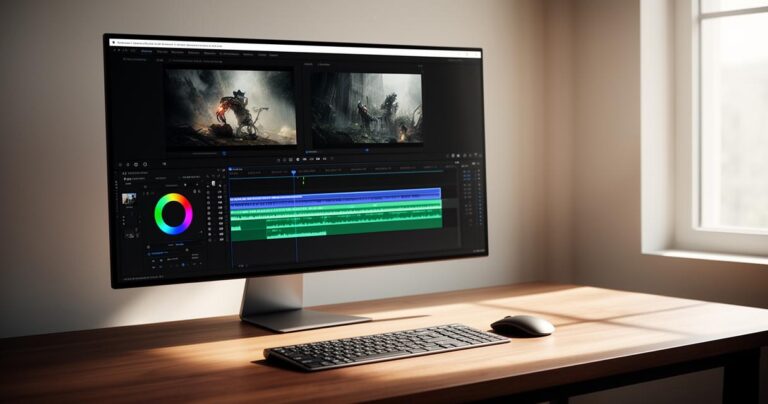
Editing a video used to mean installing bulky software, sitting through endless tutorials, and hoping your laptop wouldn't crash halfway through rendering. These days, things look rather different. A new generation of browser-based tools has made it possible to trim, polish, and export a professional-looking clip without ever creating an account or spending a penny. Whether you're a small business owner sprucing up product footage or someone simply keen to share a slicker holiday video, free online video editing has never been more accessible.
In brief
- Browser-based video editors have eliminated the need for bulky software installations, allowing users to edit clips directly in a web browser.
- Platforms that do not require user registration offer enhanced privacy and convenience by letting users complete tasks without providing personal contact information.
- Modern, user-friendly tools have democratized video editing, enabling individuals without technical expertise to perform professional-looking tasks like trimming and color adjustments.
- The rise of mobile-compatible editing tools allows for seamless content creation across various devices, including tablets, smartphones, and computers.
- Many free online editors now provide essential features such as watermark-free exports, audio editing, and royalty-free music libraries to improve production quality.
- Specific platforms like Adobe Express, Clipchamp, and Kapwing cater to different user needs, ranging from social media optimization to collaborative workflows for small teams.
Understanding no-registration video editing platforms: what makes them essential in 2024
The Rise of Browser-Based Editing Tools and Their Accessibility Advantages
The shift towards browser-based editing has been driven largely by convenience. Instead of downloading heavy programmes that eat up storage, users can now open a tab, upload their footage, and start working immediately. This matters especially for people using older machines or those who switch between devices throughout the day. A platform that works equally well on a desktop, tablet, or phone removes the friction that once made video editing feel like a specialist task. Mobile device compatibility has become a baseline expectation rather than a bonus feature, and most modern tools are built with this flexibility in mind from the outset.
What's particularly refreshing is how these platforms have levelled the playing field. You no longer need formal training or expensive kit to produce something watchable. Many services are explicitly designed with the idea that no experience required is the starting point, guiding users through crop and trim tools, transitions, and basic colour adjustments with simple, visual prompts rather than technical jargon.
Privacy and convenience: why registration-free solutions are gaining popularity
There's also a growing appetite for tools that respect a person's time and privacy. Nobody particularly enjoys handing over an email address just to trim a thirty-second clip, and registration-free editors sidestep that entirely. You visit the site, do your work, and leave without a trail of subscription emails following you afterwards. This approach suits casual users perfectly, but it's also proving popular among freelancers and small teams who want a quick fix without onboarding a new piece of software into their workflow. Automatic saving features mean you're not constantly worried about losing progress either, which removes another layer of anxiety from the process.
Top free online video editors without registration: features and capabilities compared
Davinci resolve free version: professional-grade editing accessible to everyone
Among the more powerful options, DaVinci Resolve's free version stands out for offering genuinely professional-grade tools without a price tag attached. It's a favourite among hobbyist filmmakers and editors who want colour grading and audio mixing capabilities that rival paid suites. That said, it does require installation, so it sits slightly apart from the pure browser-based tools, but its inclusion in any serious comparison is warranted given how much it offers for free.
Adobe Express, meanwhile, has carved out its own niche as a genuinely free online video editor that requires no prior experience. Users can upload videos up to a 1GB upload limit, choose from a library of video templates, and apply basic edits such as splitting clips or removing background noise. It supports both uploading your own audio and browsing royalty-free soundtracks, which is a nice touch for anyone wanting to avoid copyright headaches. Once finished, videos can be resized specifically for TikTok and Instagram optimisation, exported as high-resolution MP4 files, and the platform supports common formats including MOV and M4V.
Movavi and Alternative Platforms: Evaluating User-Friendly Interfaces and Output Quality
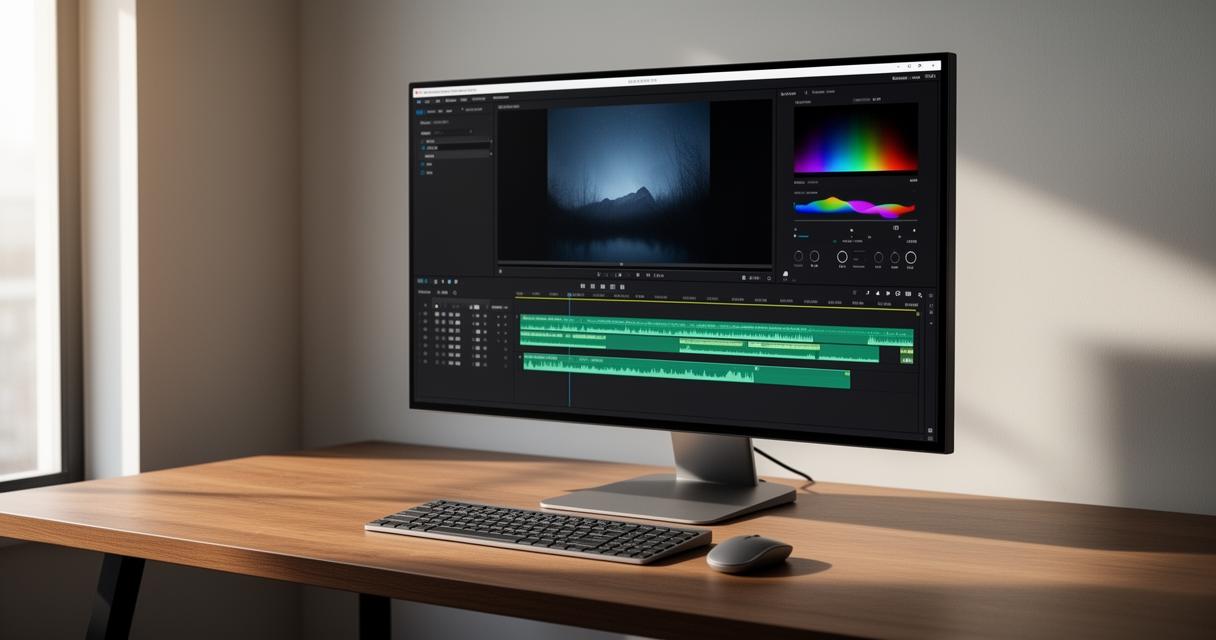
Movavi has built a reputation for balancing ease of use with reasonably advanced editing features, making it a solid middle ground for people who've outgrown the most basic tools but aren't ready for something as complex as DaVinci Resolve. Alongside Movavi, a handful of other platforms deserve mention. Clipchamp offers a genuinely intuitive drag-and-drop interface and allows high-resolution exports, while WeVideo provides cloud storage alongside 720p video export as standard. InVideo leans heavily on high-quality templates and customisable options, and even its free version includes features that feel surprisingly advanced.
Kapwing has become known for enabling real-time collaboration, which suits small teams working remotely, and it supports a wide range of file formats without much fuss. FlexClip, by contrast, keeps things simple with a beginner-friendly interface and a solid stock of pre-designed templates for people who want quick, polished results without fiddling with settings. Other names worth exploring include Movie Maker Online, Magisto, Animoto, and VEED.io, each bringing slightly different strengths depending on whether you prioritise speed, style, or flexibility.
Essential Features for Modern Video Editing: Audio Control, Effects, and Social Media Integration
Audio editing capabilities and visual effects: creating watermark-free content
Audio often gets overlooked, yet it can make or break a video. The better free tools now include background noise removal and the option to layer in royalty-free soundtracks, giving even simple projects a more polished feel. Just as important is the ability to export without a watermark plastered across the footage, something that used to be reserved for paid tiers but is increasingly offered for free, at least within reasonable usage limits.
For those working with more specialised software, Dataclay's suite of video tools offers an interesting glimpse into professional workflows. Their offerings include Templater for Adobe After Effects, QUE for data management, Autografs for pre-built compositions, and Projector for rapid rendering and distribution. While these are aimed more at motion graphics professionals than casual editors, they illustrate how far automation and templated workflows have come across the industry as a whole.
Cross-Platform Compatibility and Social Media Optimisation for Casual Content Creators
Ultimately, most people editing video today are doing so with one goal in mind: getting content ready for social platforms quickly. That's why social media resizing and cross-platform compatibility have become such important considerations. A tool that works seamlessly across all major browsers and mobile devices, and that automatically adjusts footage for TikTok and Instagram optimisation, saves considerable time compared to manually resizing clips in separate software.
- Ease of use and a clean, intuitive interface
- Essential editing features such as trimming, splitting, and audio control
- Export options including MP4 and high-resolution formats
- Availability of templates for quick turnaround
- Collaboration tools if working with a team
When choosing between the various free editors available, it's worth weighing these factors against your own habits. A casual creator posting the occasional clip may find FlexClip or Adobe Express perfectly sufficient, while someone producing content regularly for multiple platforms might lean towards Kapwing or InVideo for their added flexibility. Either way, the barrier to entry has never been lower, and with no registration required, there's little reason not to experiment until you find the platform that suits your style best.